 SpiritWise Studios
Bariatrack
A practical iPhone app for life after bariatric surgery. The rules are the rules; this just keeps them straight for you.
Coming soon to the App Store.
Why we built this
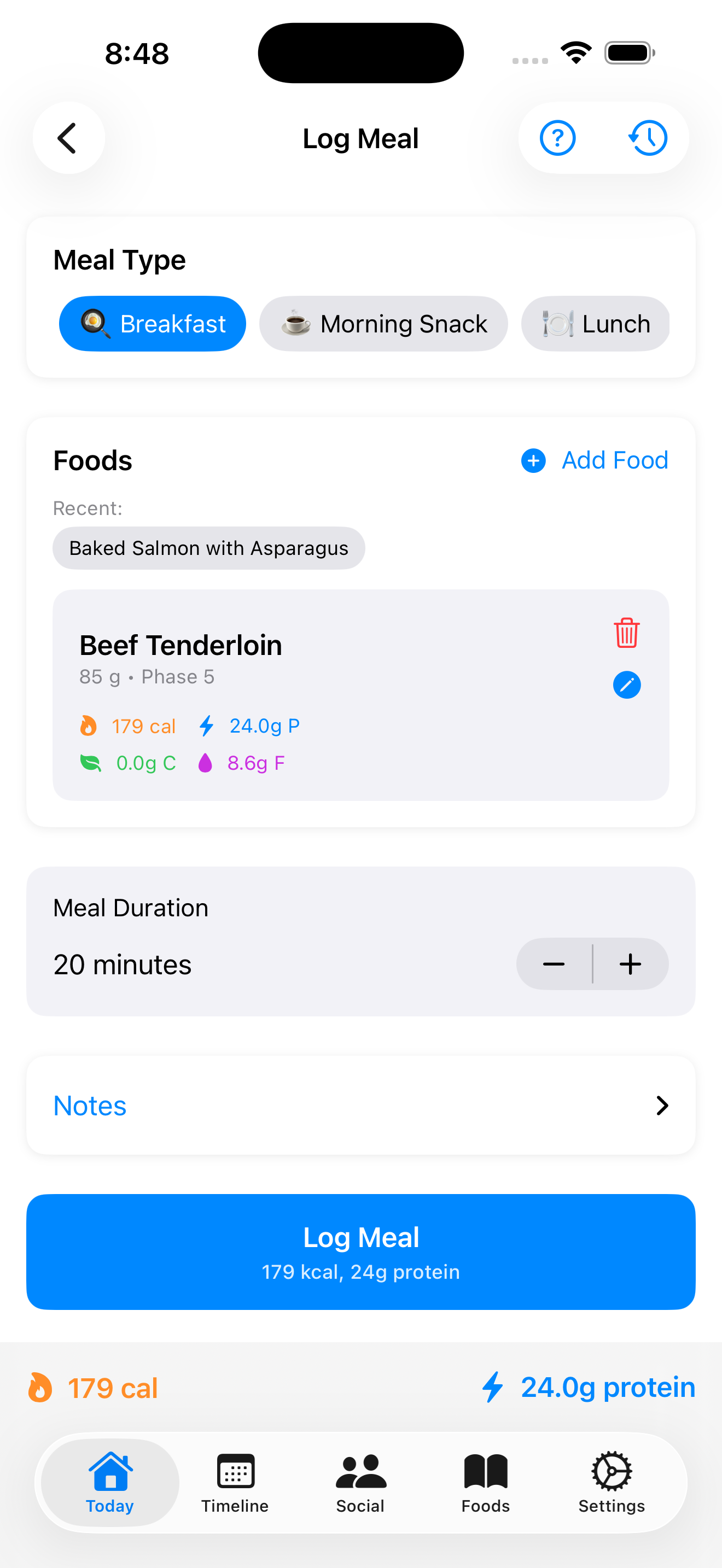
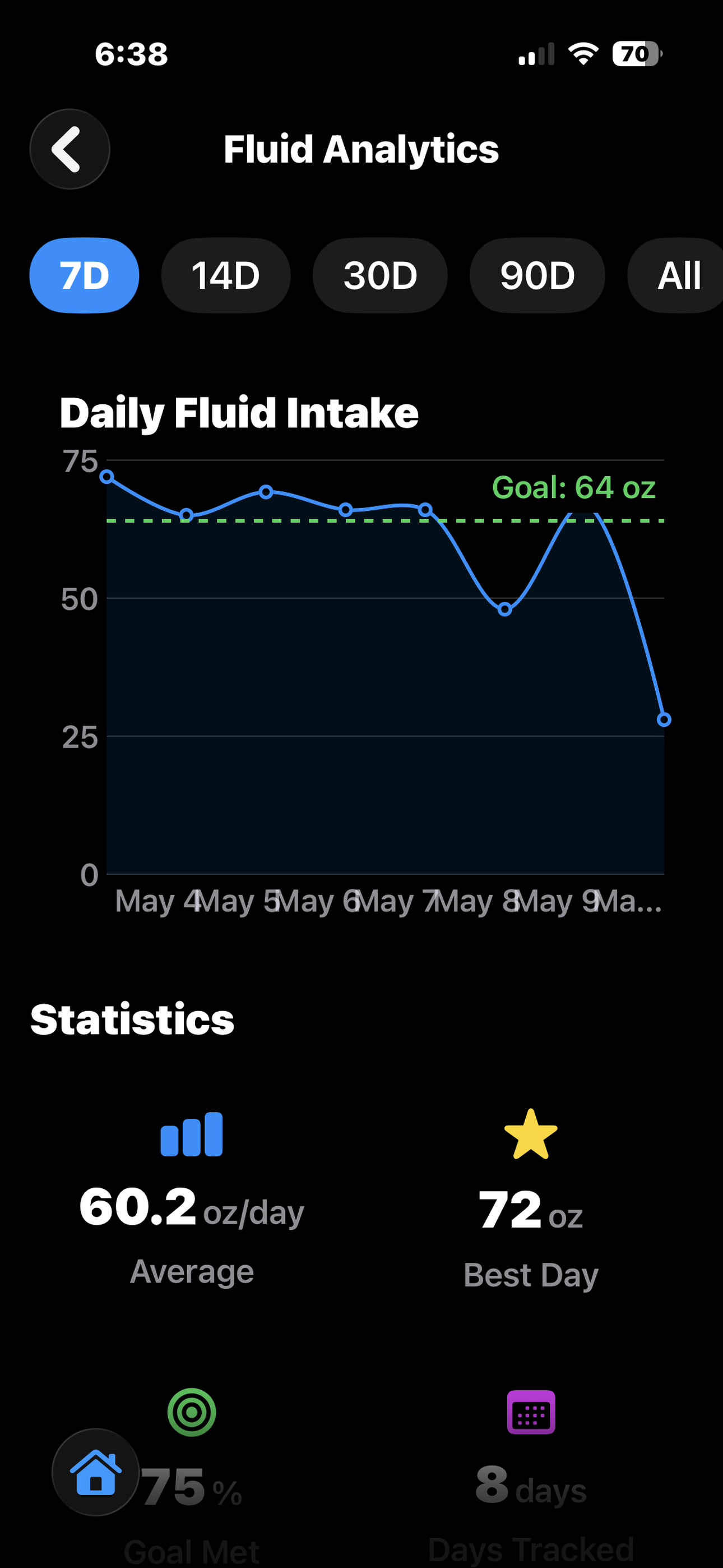
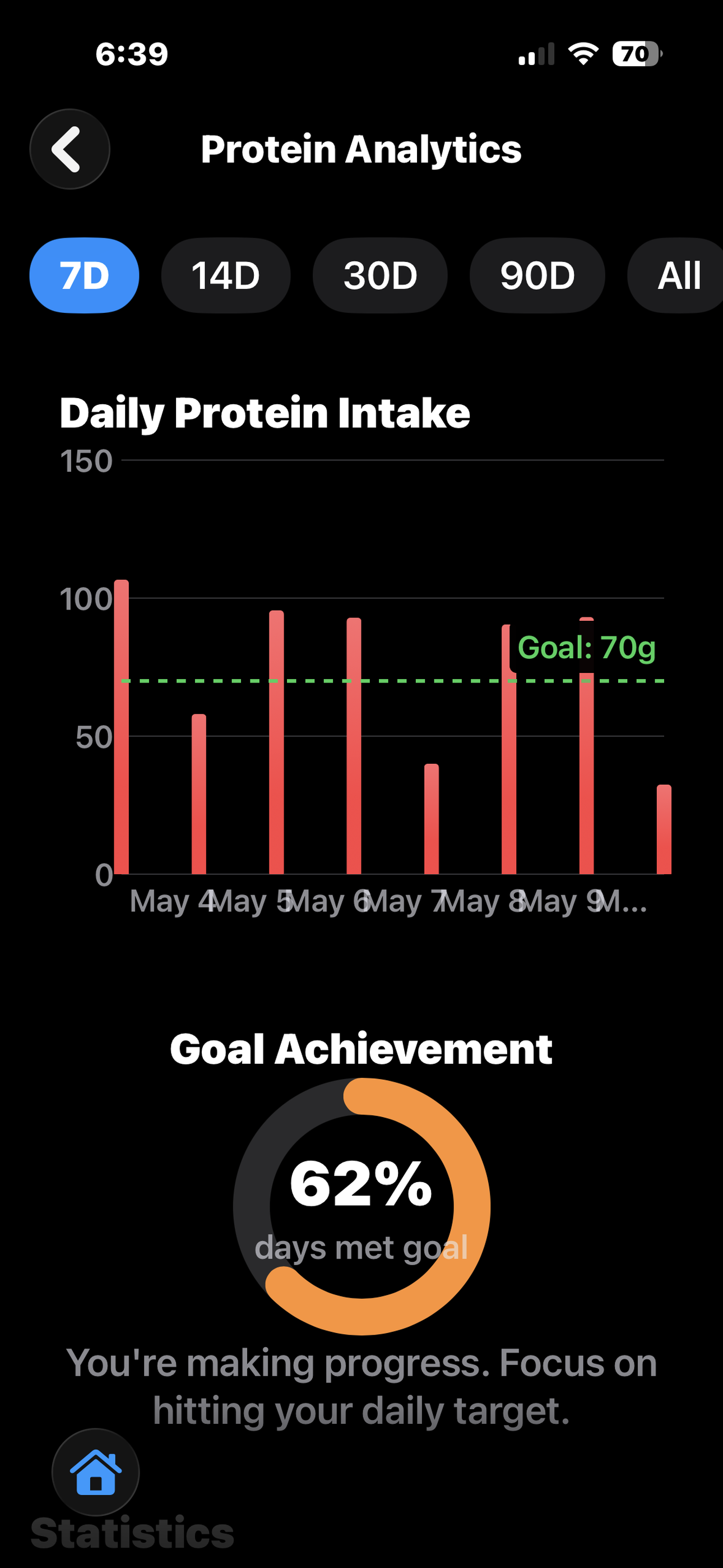
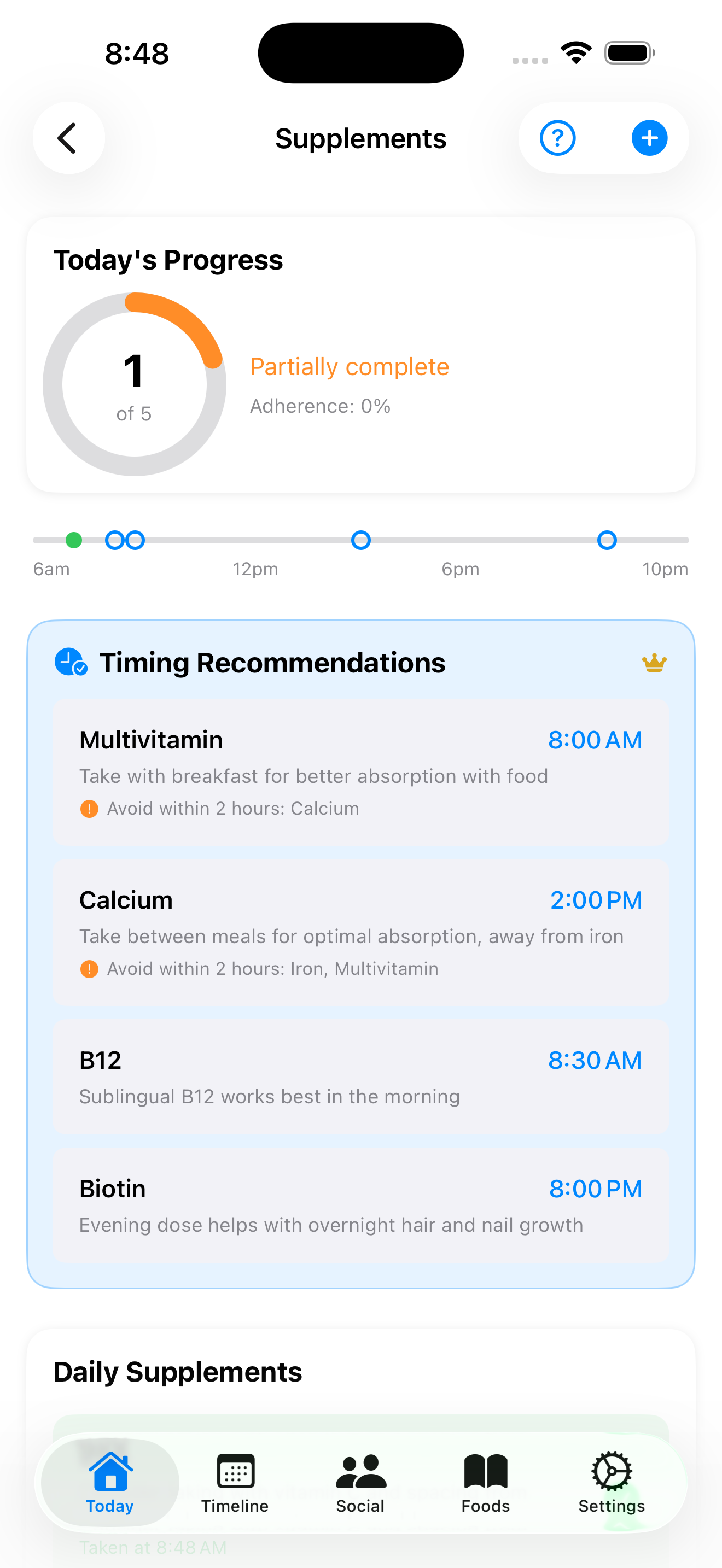
Bariatric surgery comes with a long list of daily homework. 64 ounces of fluid in tiny sips. 60 to 80 grams of protein when food itself is hard. A multivitamin in the morning, calcium 2 hours later, iron at a different time again. No drinking for 30 minutes after a meal. Pureed food at week 3, soft food at week 6, regular food somewhere down the road.
Most people walk out of the hospital with a laminated handout that covers all of it. Bariatrack puts that handout on your phone, sorted by where you are in your recovery, and reminds you when something matters.
That is it. No calorie shaming, no badges, no tricks. The app keeps score so you do not have to.
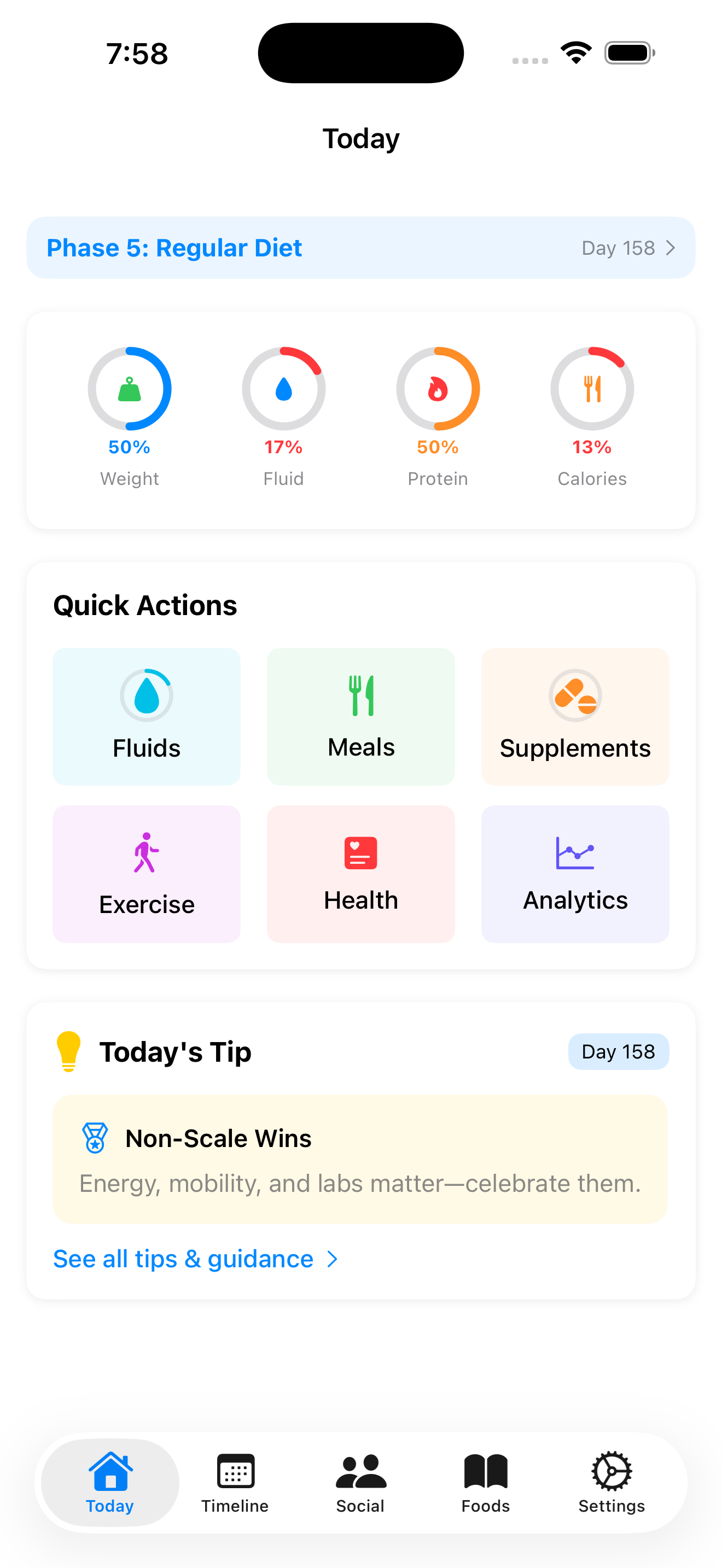
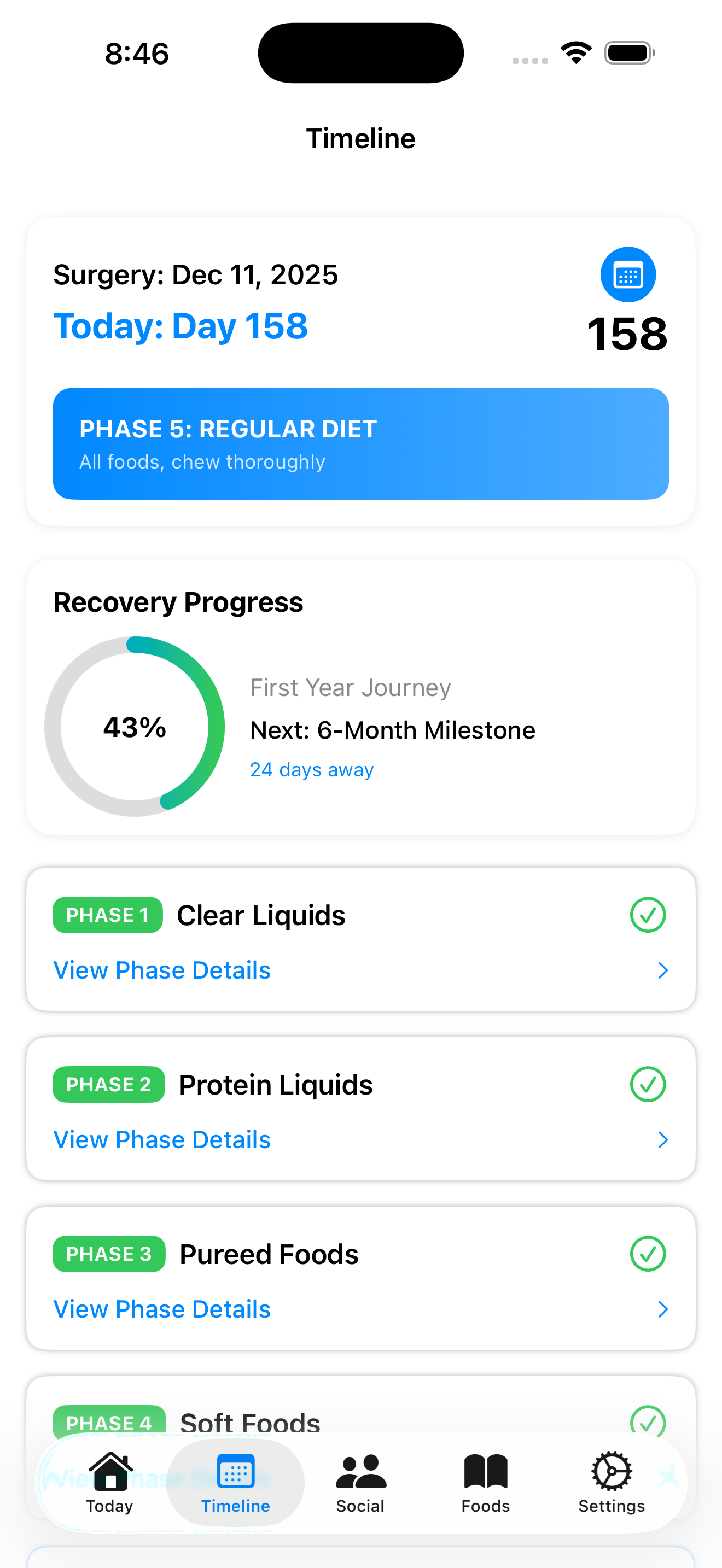
5 phases, and the app knows which one you are in
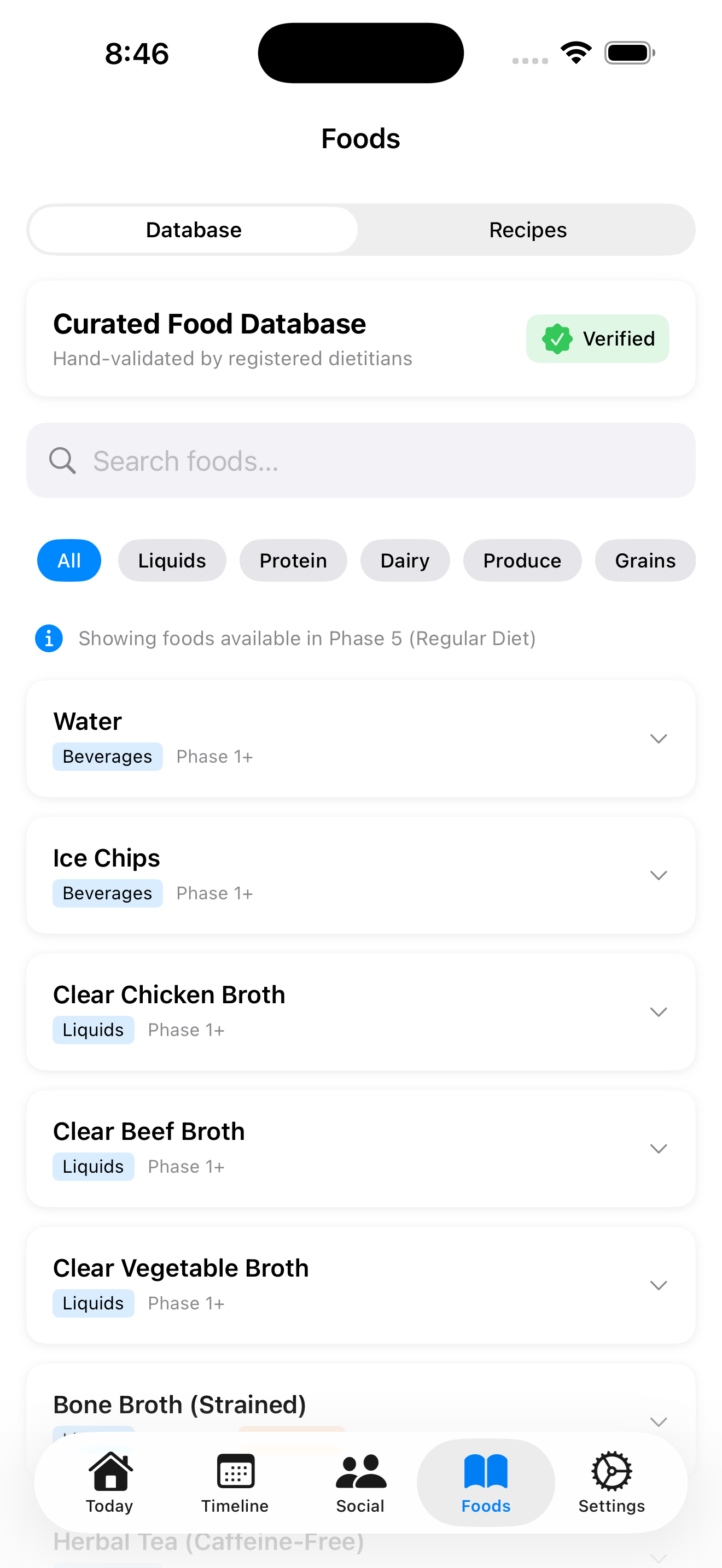
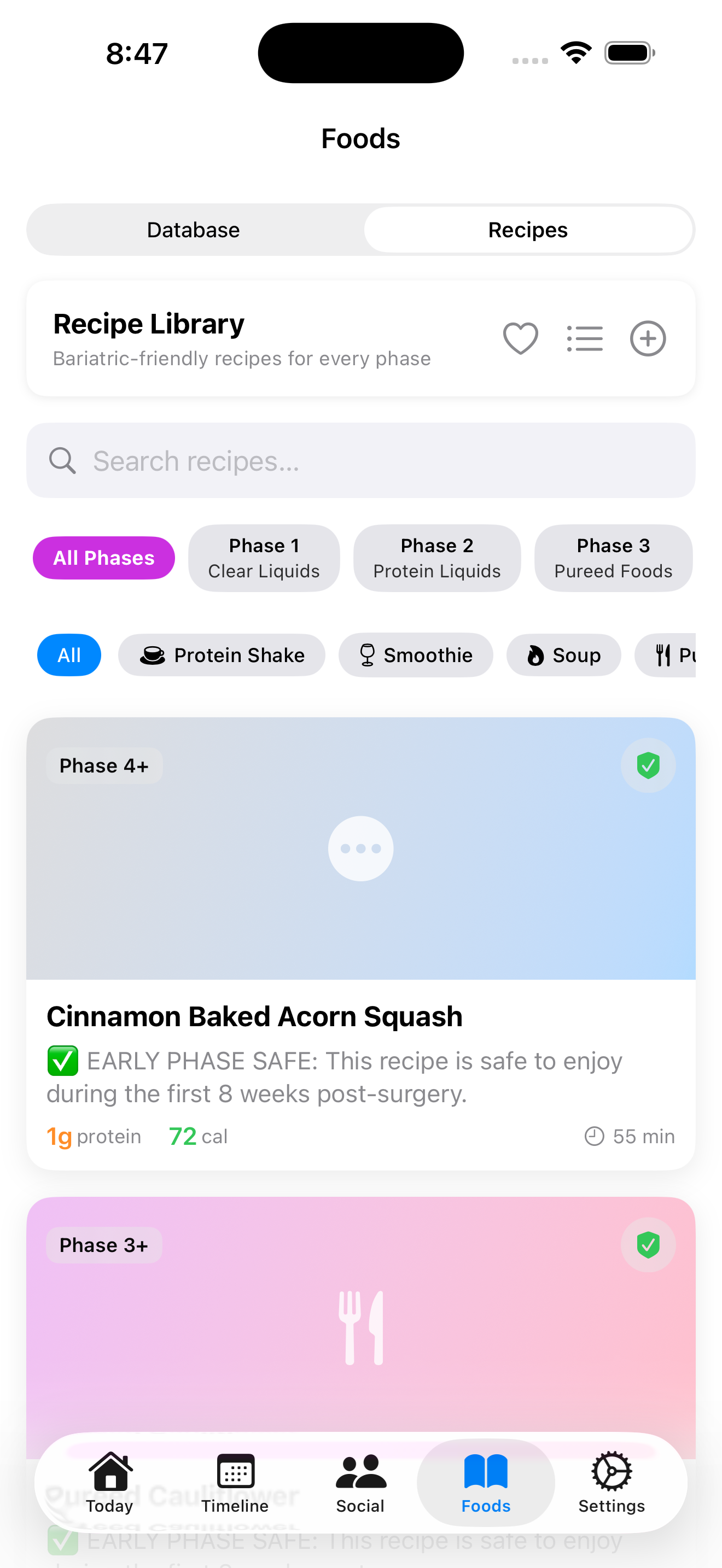
Give it your surgery date and procedure during setup. From there it works out which phase you are in: clear liquids, protein liquids, pureed, soft, or regular. Foods, fluids, and recipes filter to what you are cleared for, so a soft-food chili is not staring at you while you are still on broth.
Surgeons run different timelines. If yours stretches a phase or pulls it forward, edit the durations in Settings and the rest of the app adjusts.
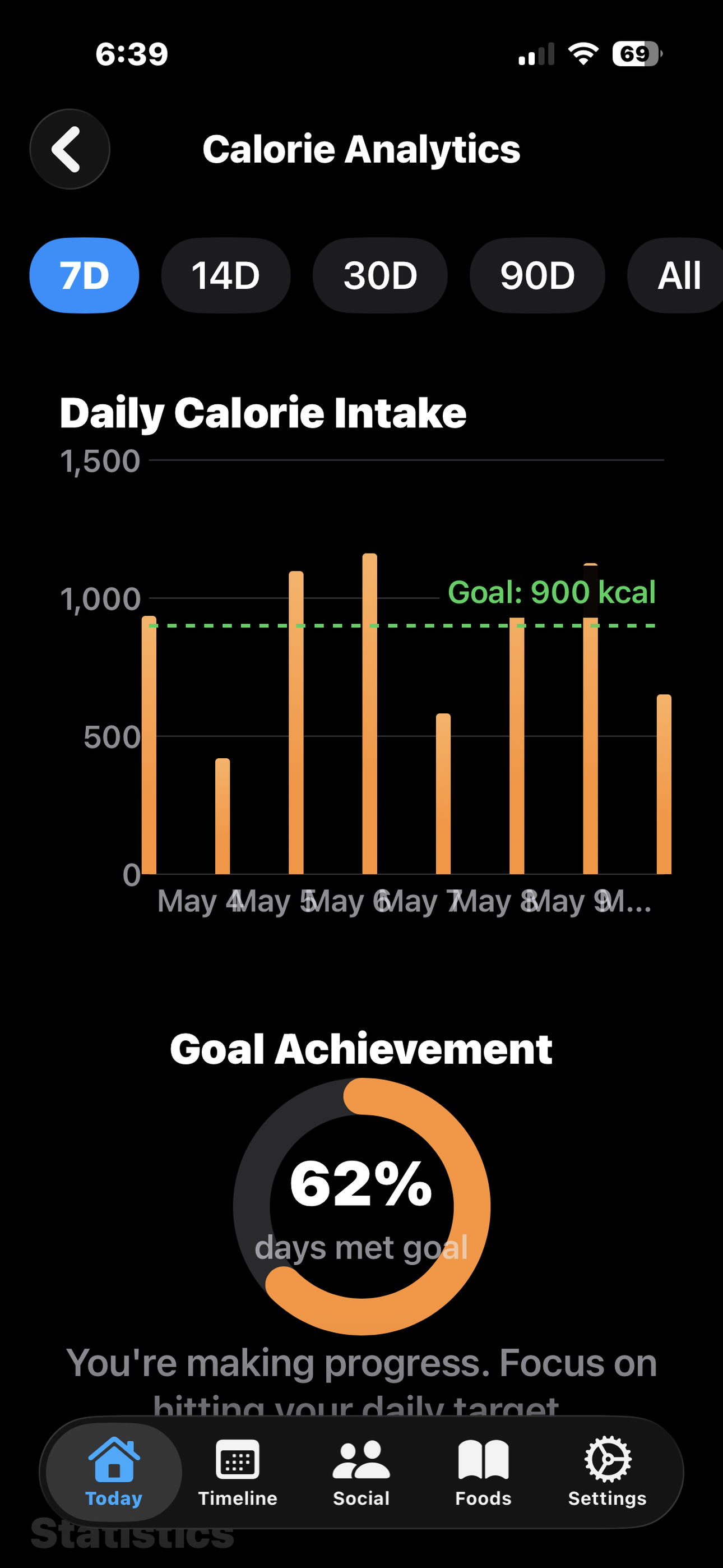
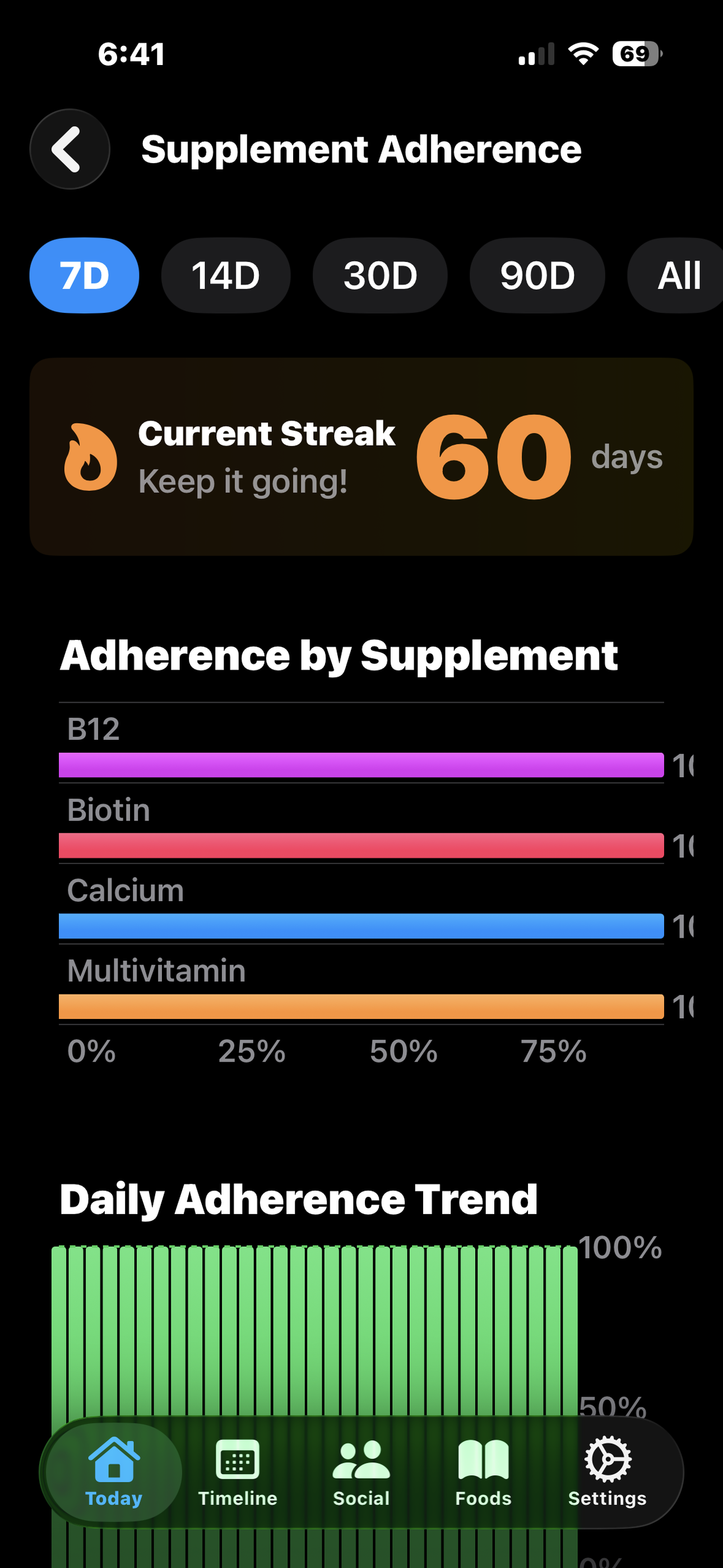
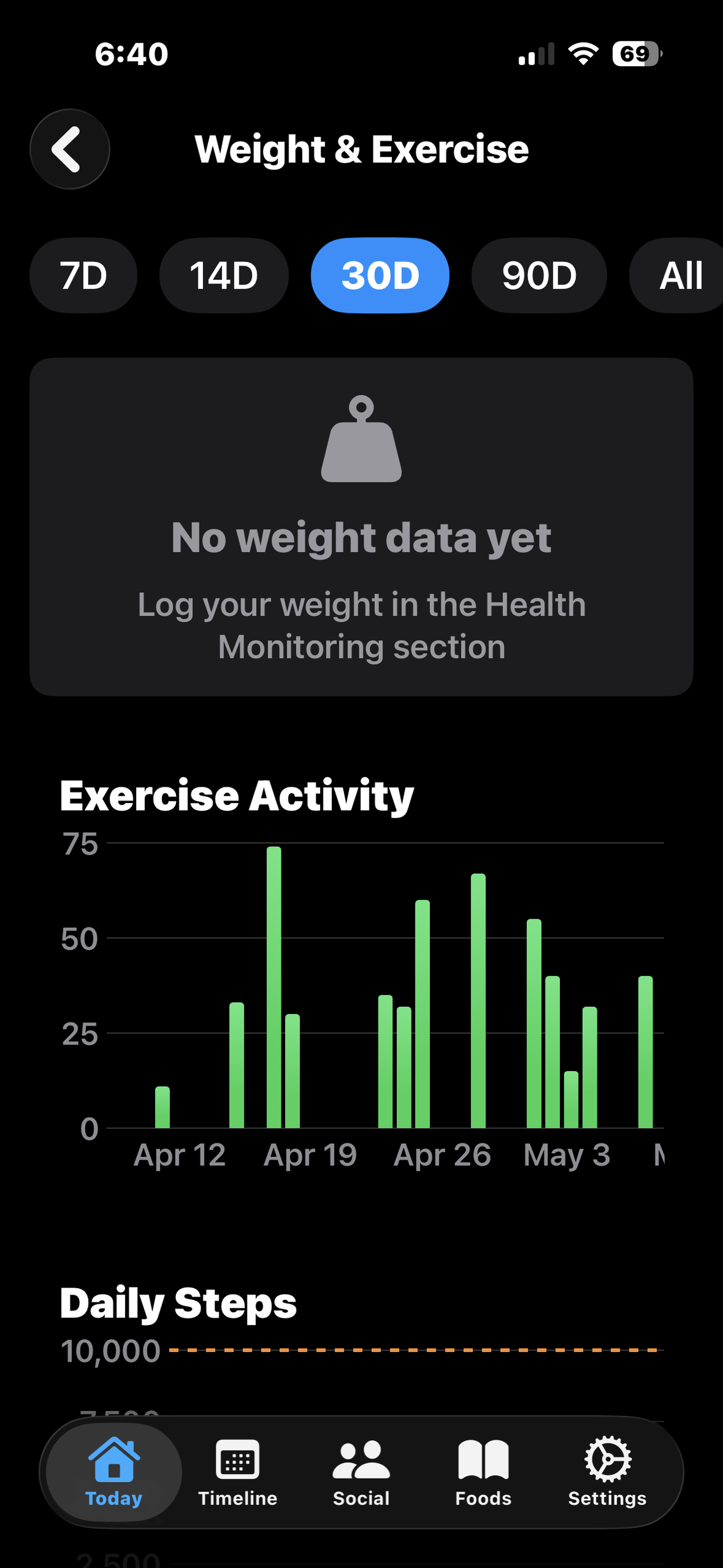
What you will actually see
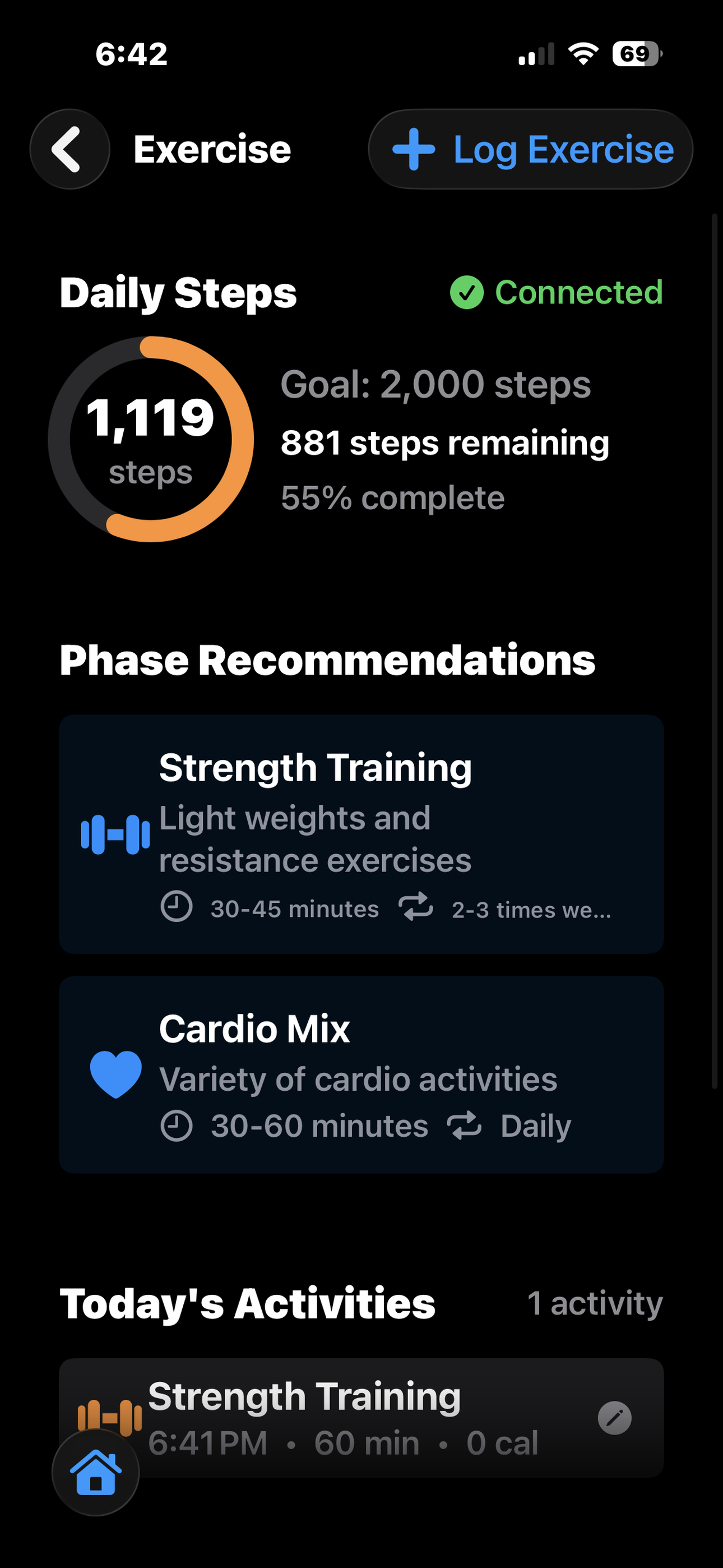
On your wrist and your home screen
You will be sipping water all day, and you do not want to fish your phone out of a bag for every 2-ounce log. Tap a button on the Apple Watch. Tap the widget on the home screen. Either one takes about a second.
Live Activities keep your daily totals on the lock screen if you want them there, and hide cleanly if you do not.
Your data stays yours
Everything you enter lives on your device. If you turn on iCloud sync, it travels through your own private iCloud account between your iPhone, iPad, and Apple Watch. Nobody at SpiritWise can see it.
No advertising identifiers. No third-party analytics. No selling anything to anyone. The privacy policy lists exactly what is collected, which is less than most apps you already use.
Also worth a read if you are into the fine print: the terms of service and the end-user license agreement.
Available in 10 languages
English, Spanish, French, German, Italian, Japanese, Korean, Portuguese (Portugal and Brazil), and Simplified Chinese. The app picks up whichever language your iPhone is set to.
Questions, bugs, feature requests
There is a real person on the other end of email. If something is broken or confusing, or you want the app to do something it does not do yet, please tell us.
Visit the Support page